Day-One Launch Fixes • Patch 01.002.001

GTA 6 Launch Troubleshooting & Display Fixes

Verified checklists for PS5 mandatory firmware 26.07-14.23.00, 212 GB NVMe storage errors, CE-108255-1 crashes, Xbox Quick Resume freezes, and 30 FPS VRR/OLED tuning.

GTA 6 Launch Troubleshooting & Display Fixes

Day-One Baseline Checklist

Required PS5 Firmware

26.07-14.23.00

Day-One Patch

01.002.001

PS5 602.5 MB • Xbox 1.6 GB

Required NVMe Space

212 GB

Verified Launch Boot & Crash Fixes

PS5 / PS5 ProFirmware 26.07-14.23.00

GTA 6 Won't Launch on PS5 (Mandatory System Update)

Root Cause

Sony pushed mandatory PS5 system software 26.07-14.23.00 (~1.3 GB) ahead of launch. Running an older OS blocks GTA 6 from booting or triggers immediate launch errors.

Fix Steps

  1. 1Go to Settings > System > System Software > System Software Update and Settings.
  2. 2Install version 26.07-14.23.00 or newer and reboot the console.
  3. 3Highlight GTA 6 on the home screen, press Options > Check for Update, and verify patch 01.002.001 (602.5 MB) is installed.

PCMag / Men's Journal / IGN

PS5 / Xbox Series X|S212 GB NVMe Required

Install Stuck, Unpack Error, or Black Screen from External USB Drive

Root Cause

GTA 6 requires up to 212 GB free space (210–225 GB across platforms) on an internal NVMe SSD, compatible PS5 PCIe 4.0 M.2 SSD (≥5,500 MB/s), or official Xbox Storage Expansion Card. Launching from external USB HDD/SSD causes boot errors or black screens.

Fix Steps

  1. 1Free at least 225 GB on internal SSD or a certified M.2 / Xbox Expansion Card before unpacking the preload.
  2. 2Move GTA 6 off any external USB storage to internal or high-speed NVMe expansion.
  3. 3If the preload froze mid-unpack, pause/resume the transfer or reboot the console without deleting the 210 GB base files first.

Rockstar Support / Vice / Notebookcheck

PS5 / PS5 ProCE-108255-1

PS5 Application Crash (CE-108255-1) or Launch Lock Icon

Root Cause

Corrupted preload cache, incomplete day-one patch verification, or PSN license congestion during rolling midnight unlocks.

Fix Steps

  1. 1Open Settings > Users and Accounts > Other > Restore Licenses (fixes lock icon & license mismatches).
  2. 2Power off PS5 completely, hold the Power button for ~7 seconds until the second beep to enter Safe Mode.
  3. 3Select Clear Cache and Rebuild Database > Clear System Software Cache first, then Rebuild Database if crashes persist.

PlayStation Support / Indiatimes

Xbox Series X|SQuick Resume Freeze

Xbox Black Screen, Infinite Loading, or Audio Desync on Resume

Root Cause

Xbox Quick Resume state snapshots can conflict with day-one patch 01.002.001 (1.6 GB) or title authentication checks.

Fix Steps

  1. 1Press the Xbox button, highlight GTA 6, press Menu (≡), and select Quit to force a cold restart.
  2. 2Open My Games & Apps > Manage > Updates to confirm patch 01.002.001 is applied.
  3. 3If black screen persists, perform a full power cycle (hold Xbox power button 10 seconds, unplug 30 seconds).

Xbox Support / IGN

30 FPS, VRR & OLED Display Troubleshooting

Digital Foundry Verified

Why PS5 VRR Doesn't Smooth GTA 6's 30 FPS Dips

PS5 and PS5 Pro enforce a hard 48 Hz VRR floor. Because GTA 6 targets 30 FPS across all consoles, dips to 23–28 FPS fall outside PS5's VRR/LFC window. Xbox Series X's system-level 120 Hz VRR + LFC container handles low-framerate dips more smoothly.

Digital Foundry / TechPowerUp

OLED Display Behavior

LG C4 / OLED 30 FPS Camera Judder & HDR Checklist

Near-instant OLED pixel response makes 30 FPS sample-and-hold judder noticeably sharper during fast panning in Game Optimizer mode. Digital Foundry praises GTA 6's HDR with no global washed-out bug reported; ensure TV HGiG is enabled (Dynamic Tone Mapping Off), console HDR is calibrated, and RGB range (Full/Limited) matches between console and TV.

Digital Foundry / Beebom

Real Capture Reference: 30 FPS Pacing, VRR & HDR

Verified Digital Foundry console captures — click to play real PS5 Pro, PS5, and Xbox Series X|S frametime and VRR comparisons.

Real capture covering PS5 Pro PSSR upscaling, 30 FPS frametime pacing, RT shadows, and 4K HDR output.

Digital Foundry

Side-by-side capture of Xbox Series X 120Hz VRR + LFC behavior and Series S combat framerate dips.

Digital Foundry

GTA 6 Online & Network Status

Single-Player Only at Launch

GTA 6 Online Is Not Live Yet (No Official Date Announced)

Launch day (Nov 19, 2026) is strictly single-player story mode. Do not trust generic third-party "GTA 6 Online lobby disconnect" guides recycled from GTA V. If you are experiencing slow 212 GB downloads or PSN/Xbox store login issues, check Rockstar Service Status or optimize your console's DNS/download route.

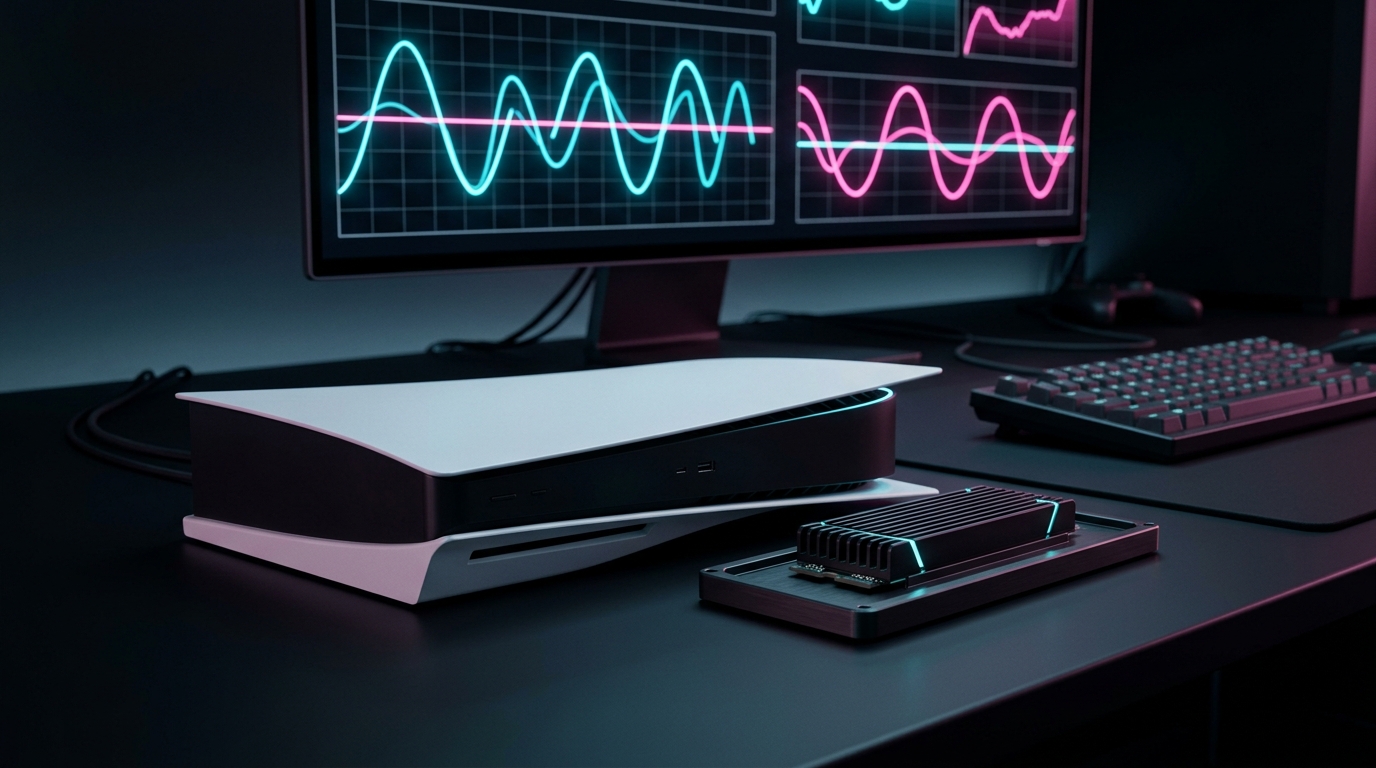
Need Space for the 212 GB Install?

External USB drives cannot run GTA 6 directly. Check verified PCIe 4.0 M.2 SSDs and official Xbox Expansion Cards.

Open SSD & Display Guide